Your WordPress Site Was Updated — But Was It
Already Compromised?
When a critical WordPress vulnerability is announced, the immediate advice is usually straightforward - install the security update as quickly as possible. That is the correct first response, but it can also create a false sense of security. A successful update fixes the vulnerable software, yet it does not automatically remove anything an attacker may have added before the patch was installed.
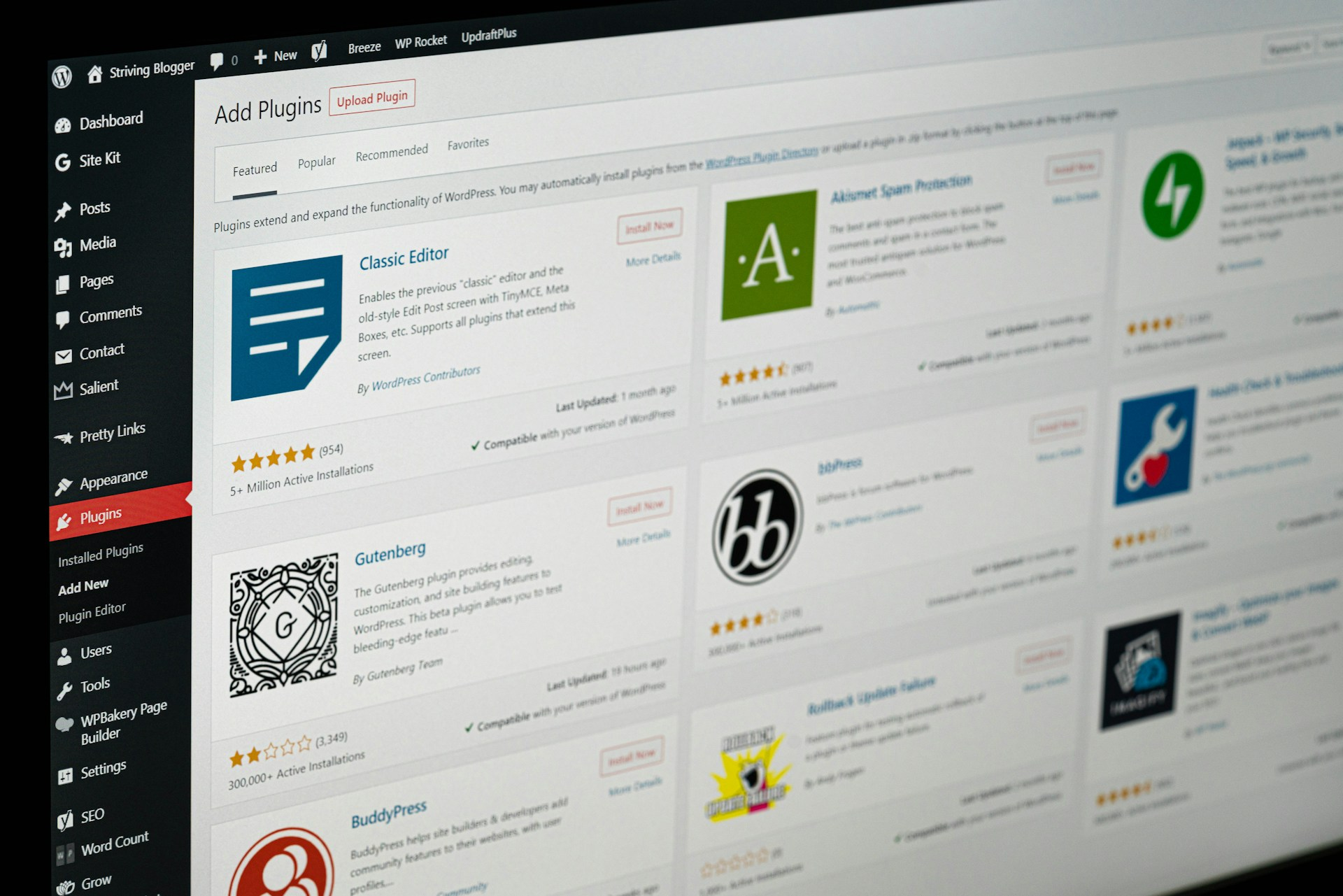
The recent WP2Shell case demonstrates why this distinction matters. WordPress enabled forced updates for affected installations because of the seriousness of the vulnerabilities, but that did not mean every website was immediately protected. Automatic updates may have been disabled, may not have worked correctly, or may have been controlled by a separate service provider. During that gap, attackers could already have been scanning for vulnerable websites and trying to exploit them.
A Compromised Website May Still Look Normal
One of the most dangerous assumptions is that a hacked website must look broken. In reality, a compromised site may continue loading normally, accepting orders and sending notifications. The attacker may have no interest in causing an obvious outage. Remaining unnoticed is often more valuable.
After gaining access, an attacker could create a hidden administrator account, upload malicious files or install a backdoor that allows them to return later. If they reach the database or server, they may also gain access to customer information, user accounts or other sensitive business data.
A compromised site can also be used to redirect visitors to fraudulent pages, distribute malware, alter website content or launch attacks against other systems. None of this necessarily prevents the website from appearing functional to its owner.
What Should Be Checked After a Critical Vulnerability?
After applying the update, the website should be examined for signs that an intrusion may already have occurred. This includes reviewing administrator accounts, recently modified files, access logs and unexplained redirects or changes in behaviour.
Backups must also be considered carefully. It is not enough to know that a backup exists. The business needs to know whether it has access to a clean backup created before the suspected compromise. Restoring a recent backup may simply restore the attacker’s changes as well.
When suspicious activity is found, changing only the WordPress password is usually insufficient. Hosting credentials, database passwords and other connected access details may also need to be replaced. In some cases, the safest option is to clean the system thoroughly or restore it from a verified, uncompromised copy.
Where Continuous Security Testing Helps
The larger lesson is that security should not depend only on major vulnerability announcements. Businesses should not have to wait for a news article before asking whether their websites are exposed.
Continuous external testing can help identify weaknesses before automated attackers find them. Grawlr uses automated security testing to examine a website from the outside, focusing on how the application behaves when approached like a real target. This can help reveal exposed weaknesses, insecure behaviour and attack paths that routine maintenance may overlook.
External testing does not replace internal investigation. If compromise is suspected, log analysis, file inspection and professional incident response may still be necessary. However, regular testing adds an independent layer of verification and helps organizations confirm that externally visible risks have actually been reduced.
Patching and Investigation Are Different Tasks
Patching closes the vulnerability that attackers may use. Investigation determines whether someone entered before the vulnerability was fixed.
Both tasks are necessary when a critical flaw has been public long enough for exploit code to circulate. Installing the update is essential, but it does not answer the full security question. A website should only be considered safer after both the software and the possibility of earlier compromise have been addressed.